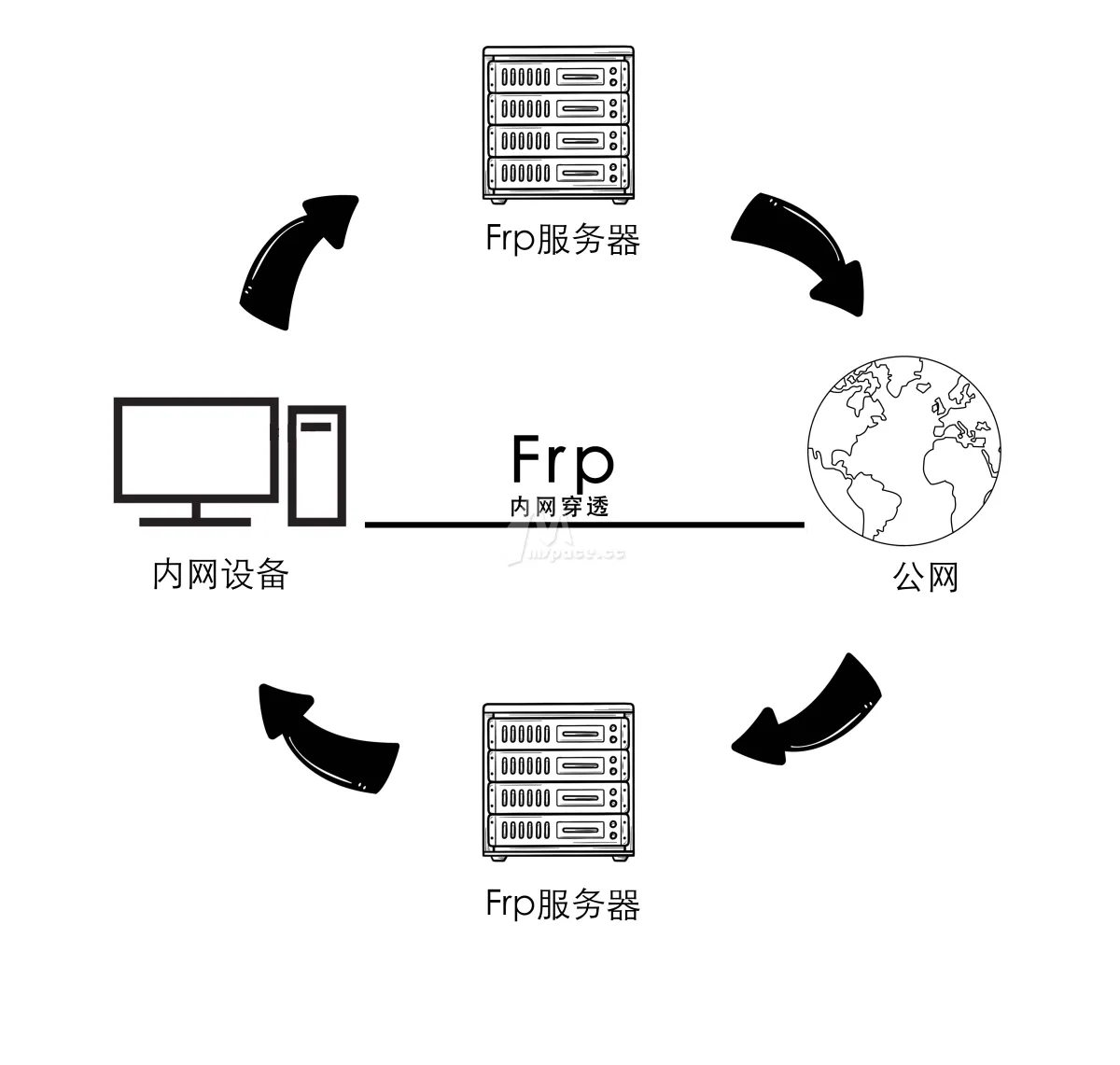
一、准备工作
一台拥有公网 IP 的服务器 (VPS)
- 配置: 1核 CPU, 512MB 内存的入门级配置就足够了。
- 系统: 推荐 Linux (本文以 Ubuntu/CentOS 为例)。
一台用于开服的本地电脑
- 作用: 作为 frp 的客户端 (frpc),并在这台电脑上运行游戏服务器。
- 系统: Windows 或 Linux 均可。
本地游戏服务器
- 《饥荒:联机版》默认使用 UDP 协议,端口通常为 10999。
frp 软件本体
- 从 frp 的官方 GitHub Releases↗ 页面下载。
- 你可以下载两个版本:
linux_amd64版本用于你的 VPS 服务器。windows_amd64(或对应版本) 适用于开服的 Windows 电脑linux_amd64(或对应版本) 适用于开服的 Linux 服务器。 - 我使用了Linux服务器来开启饥荒联机版的服务器。我这里使用了frp_0.52.3_linux_amd64↗
二、核心步骤:服务端 (frps) 部署
我们先来配置作为“中转站”的公网 VPS。
1. 登录 VPS 并下载 frp
使用 SSH 工具登录你的服务器,然后下载并解压 frp。
# 我这里使用了frp_0.52.3_linux_amd64
wget https://github.com/fatedier/frp/releases/download/v0.52.3/frp_0.52.3_linux_amd64.tar.gz

# 解压
tar -zxvf frp_0.52.3_linux_amd64.tar.gz

# 进入目录
cd frp_0.52.3_linux_amd64
2. 配置并启动frps
# 编辑配置文件
vim frps.toml
将以下内容写入 frps.toml:
# frps.toml
# frp 服务端和客户端通信的端口,可以自定义
[common]
bind_port = 7000
# 可以在这里配置一个token更安全
# token = 123123 frp 的配置已经完成现在只需要启动
./frps -c ./frps.toml3. 客户端 (frpc) 部署
用同样的方式下载frp
wget https://github.com/fatedier/frp/releases/download/v0.52.3/frp_0.52.3_linux_amd64.tar.gz
tar -zxvf frp_0.52.3_linux_amd64.tar.gz
cd frp_0.52.3_linux_amd64
编辑目录下的 frpc.toml 文件,写入以下配置
# frpc.toml
# 服务器的公网 IP 地址
[common]
server_addr = "x.x.x.x"
server_port = 7000
token = "123123" # 如启用必须和VPS的token相同
[[proxy]]
name = "dst-udp" # 自定义名字
type = "udp" # 以饥荒为例子必须使用udp
local_ip = "127.0.0.1" # 本机服务器ip
local_port = 10999 # 本地游戏服务器的端口,饥荒默认为 10999
remote_port = 10999 # 暴露在公网服务器上的端口,玩家将通过这个端口连接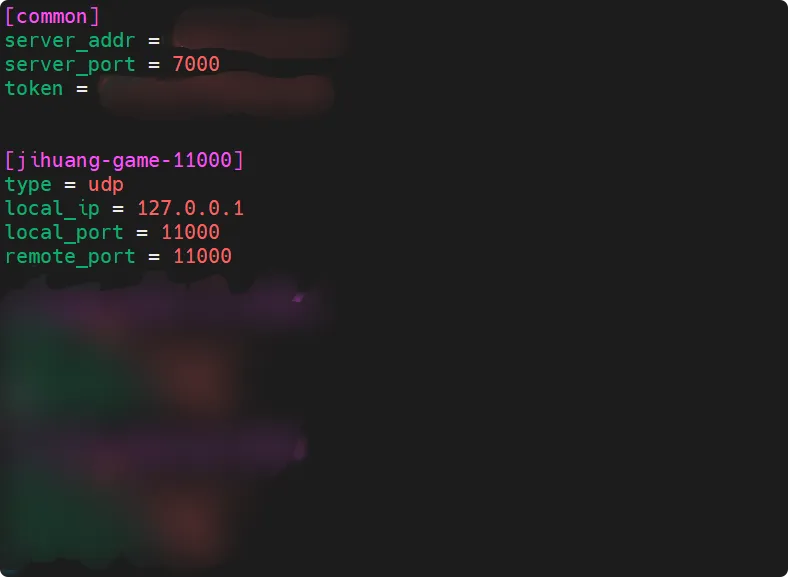 配置完成接下来可以运行 frpc
# Linux
./frpc -c ./frpc.toml

# Windows(PowerShell)
.\frpc.exe -c .\frpc.toml